The Myth of the One‑Tool Solution
Many developers begin their AI journey believing that a single assistant can handle every phase of software development. This assumption holds up well for small scripts or simple projects, but cracks appear as soon as the codebase grows, requirements become ambiguous, or the system needs to interact with multiple services. The reality is that no single AI model excels at every task – each has unique strengths and weaknesses. Recognizing this fact can dramatically improve both productivity and code quality.
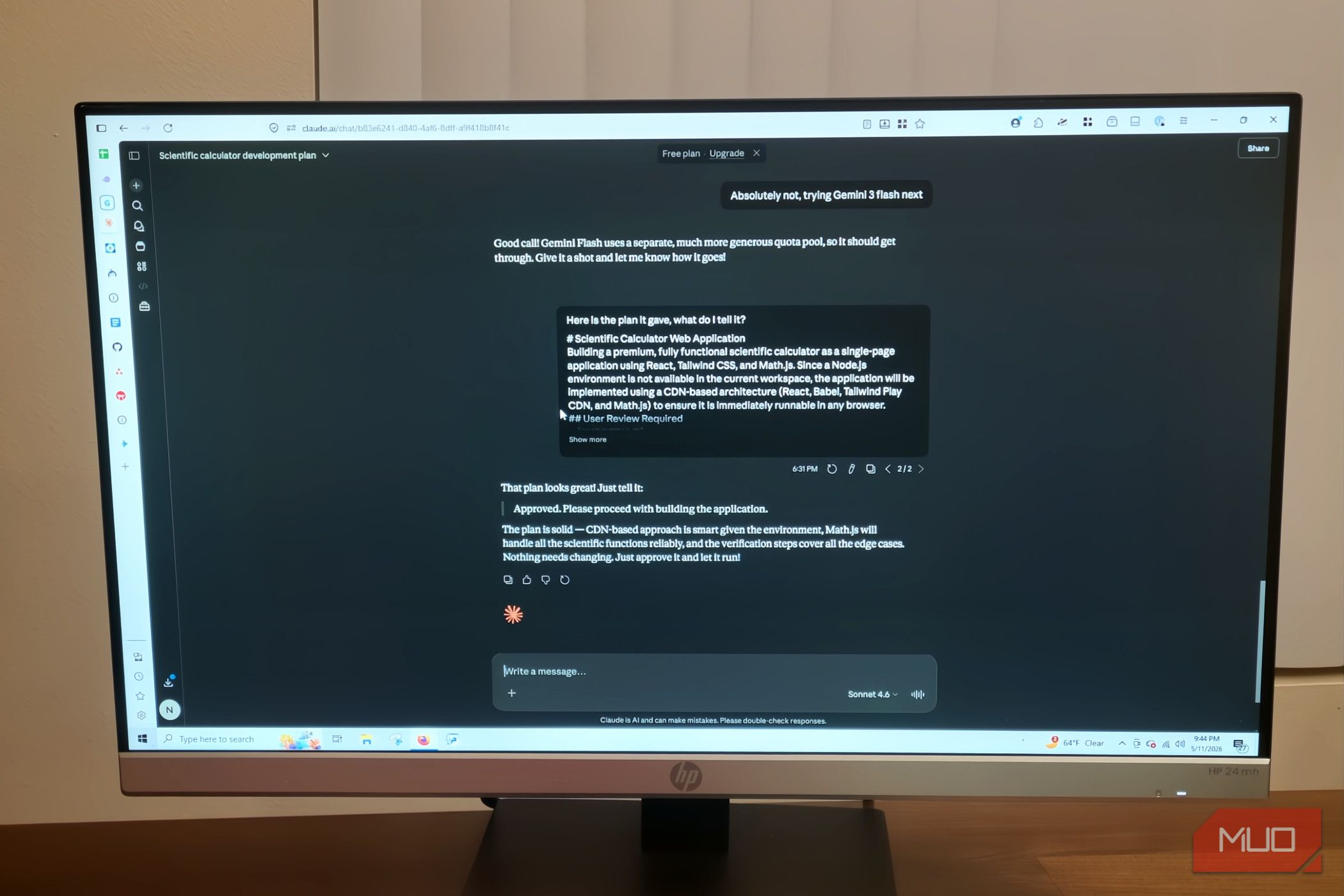
Treating AI tools as specialists rather than generalists often leads to smoother workflows and fewer rewrites. For instance, while one model might produce elegant boilerplate, another may be better at debugging logic or suggesting architectural patterns. By deliberately combining tools, you can harness the best aspects of each.
Claude: The Conversational Architect
Claude (by Anthropic) is widely praised for its ability to understand long‑context conversations and nuanced instructions. It excels at:
- Explaining design trade‑offs
- Refining requirements through back‑and‑forth dialogue
- Providing high‑level architectural overviews
- Handling multiple files in a single session
However, when it comes to generating production‑ready code – especially for performance‑critical or boilerplate‑heavy sections – Claude can sometimes produce verbose or less optimized output. This is not a flaw but a reflection of its design: Claude prioritizes safe, clear explanations over terse, “expert” code.
Antigravity: The Code‑First Generator
Antigravity (a newer entrant in the AI coding space) focuses on writing efficient, idiomatic code. Developers who have compared the two note that Antigravity tends to produce fewer unnecessary blank lines, more concise conditionals, and better use of language‑specific patterns. Its strengths include:
- Generating complete functions with minimal boilerplate
- Optimizing loops and data structures
- Writing test cases that actually cover edge cases
The catch is that Antigravity’s context window is smaller and its ability to handle multi‑step reasoning is less mature. It works best when given a clear, isolated task rather than a sprawling set of requirements.
The Practical Workflow: Why You Still Start with Claude
Given that Antigravity writes better code for many routine tasks, you might wonder why anyone would use Claude first. The answer lies in the upstream work – the part of development that happens before you write a single line of code.
Most developers begin by clarifying the problem, breaking it into subtasks, and deciding on the overall approach. Claude is superior for this “think out loud” phase. You can ask it to list options, weigh pros and cons, and even draft a pseudocode outline. Once the plan is clear, you can hand off individual functions or modules to Antigravity for implementation.
For example, a typical session might look like this:
- Use Claude to discuss the API structure and data flow. “What’s the best way to handle authentication in this microservice?”
- Let Claude generate a skeleton – imports, class definitions, stub functions.
- Pass each function to Antigravity with a clear input/output description. “Write a function that validates JWT tokens and returns user roles.”
- Review and merge the Antigravity output back into the Claude‑defined structure.
This two‑step process takes advantage of Claude’s reasoning and Antigravity’s implementation speed. The result is a codebase that is both well‑architected and cleanly written.
Case in Point: Pairing for a Real‑World Project
Consider a medium‑sized web application that handles user‑uploaded files. The developer started with Claude to design the upload pipeline: file validation, storage strategy, and error handling. Claude produced a sound plan. But when the developer asked Claude to implement the actual file parser, the code was overly defensive and used outdated libraries.
Switching to Antigravity for that specific function produced a 30% shorter version using modern async/await patterns. Meanwhile, the broader design remained Claude’s contribution. The best of both worlds – Claude for architecture, Antigravity for implementation – yielded a more maintainable system than either tool could have created alone.
Overcoming the “Pain” of Switching Tools
Some developers avoid this workflow because it feels disruptive. You have to copy prompts between interfaces, remember which model you’re talking to, and adjust your language accordingly. Yet many find that the initial friction pays off quickly in fewer iterations and cleaner code.
If the switching cost feels high, consider using a meta‑prompt that tells Claude: “I am going to ask you to design the solution, then I’ll implement it elsewhere. Please focus on clarity and completeness.” Similarly, when you give Antigravity a task, preface it with: “Here is a precise specification. Generate the most concise, idiomatic code possible.”
Conclusion: Embrace Specialisation
The era of the one‑AI‑to‑rule‑them‑all is over. For serious development, the smartest approach is to treat AI tools like a team: each member has a role. Claude is your senior architect and discussion partner; Antigravity is your efficient coder. By starting with Claude and then delegating to Antigravity, you get both sound design and crisp code.
If you haven’t tried this hybrid workflow yet, give it a shot on your next non‑trivial task. You might find, as many have, that the whole becomes greater than the sum of its prompts.